Showing posts with label Tony Tzanoukakis. Show all posts

Saturday, July 9, 2022

Random Snags/Extras

 These are all snags/extras I made in various groups either as a challenge or while tagging.

Please do not alter, change names, or claim as your own.

Click to save full size image.


Saturday, October 5, 2013

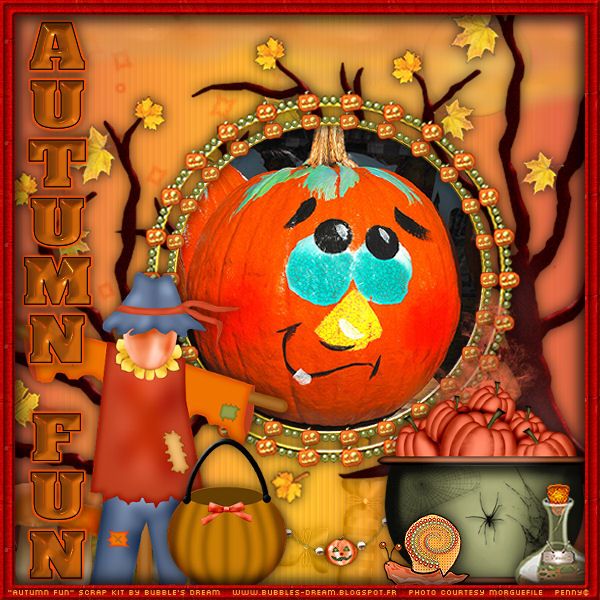
LO Show Off - Autumn Fun

Look what you can do with this awesomely cute PTU scrap kit, "Autumn Fun" by Bubble's Dream!!!
This kit and many others are available at Wilma4Ever.


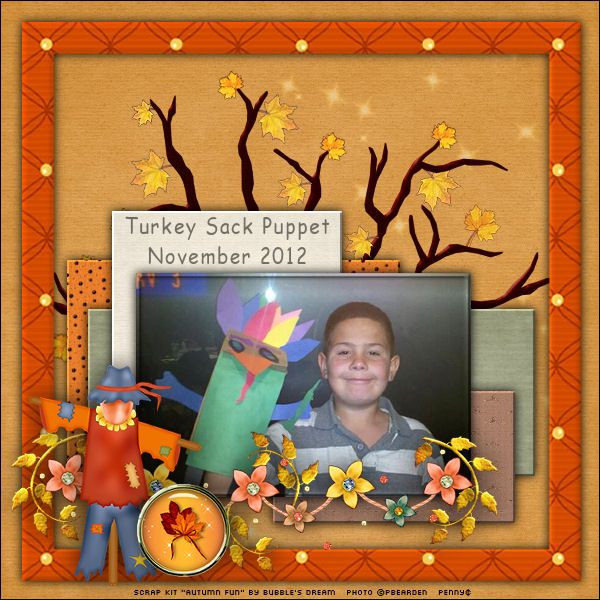
Made this LO for October's Scrap Lift challenge in Wilma's forum...


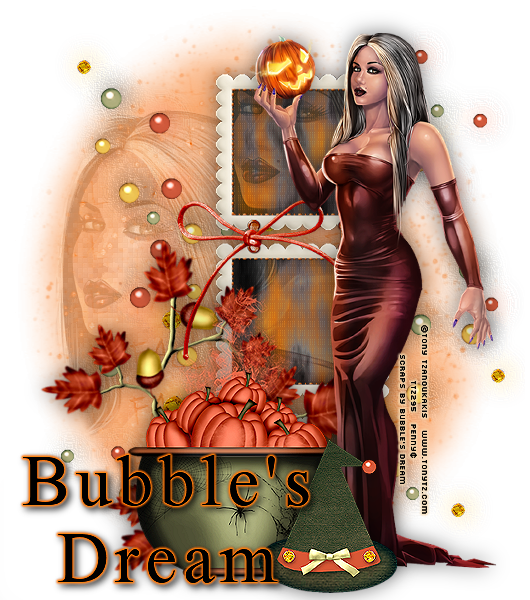
And here's a sig using this kit and the awesome art of Tony Tzanoukakis!!


Tuesday, March 5, 2013

Monday, September 17, 2012

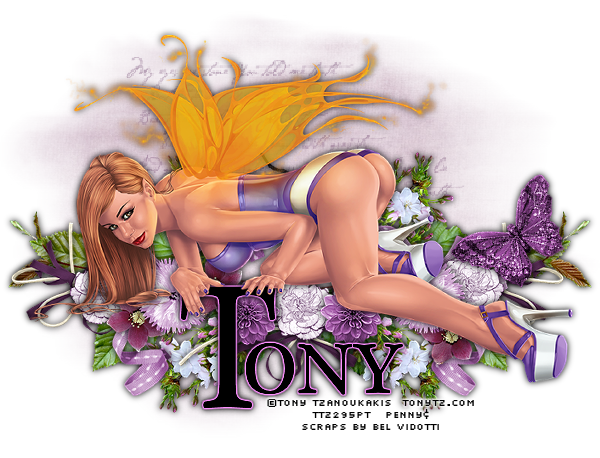
FTU - Angelically Purple


Angelically Purple


This tutorial was written by me on September 17, 2012, using my own ideas. Any resemblance to others is coincidental and accidental. This tutorial assumes you have a working knowledge of psp and is written in PSPX.
Please leave some love when downloading supplies. The artists/creators work hard to make/share their work with us, so let's be appreciative. Please use all correct copyright information and follow all TOU’s. Let’s give credit where credit is due.
As always, tutorials are only a guideline. If you don't have the exact supplies, use ones you have or ones you choose.


Supplies:

“Giosetta” tube by Tony Tzanoukakis
“Tania Mendes” FTU scrap kit from Bel Vidotti’s Friendship Collection - unfortunately, Ms. Vidotti's link is not working so please use a suitable replacement
Becky Mask 023
Word brush of choice
Eye Candy 4000_Gradient Glow
Font_Plantagenet Cherokee


Abbreviations:
EC = Eye Candy
GG = Gradient Glow
DS = Drop Shadow
C/P = Copy and Paste
FF = Flood Fill


Open 600x600 blank canvas
Add new layer – select all
C/P paper 3 into selection_select none
Apply mask
Add new layer_Apply brush
C/P tube
C/P the following element, duplicating, mirroring, and placing as shown:
Bow 01
Butterfly 02Flowers 01
Flowers 02
Flowers 03
Flowers 05
Flowers 06
Leaves 01
Ribbon 03
Add all correct copyright/license information
Squish mask down closer to tag and place brush layer as desired
Add name_Plantagenet Cherokee_200_Black_Type out first letter of name_use nodes to stretch it to fit under girls hands_Convert to raster
Plantagenet Cherokee_72_Black_type out rest of name_place by first letter_merge together
EC 4000_GG_3_25_100_#653966
Sharpen more twice
DS all layers_0_0_100_10_Black
Save!!

Tuesday, August 7, 2012

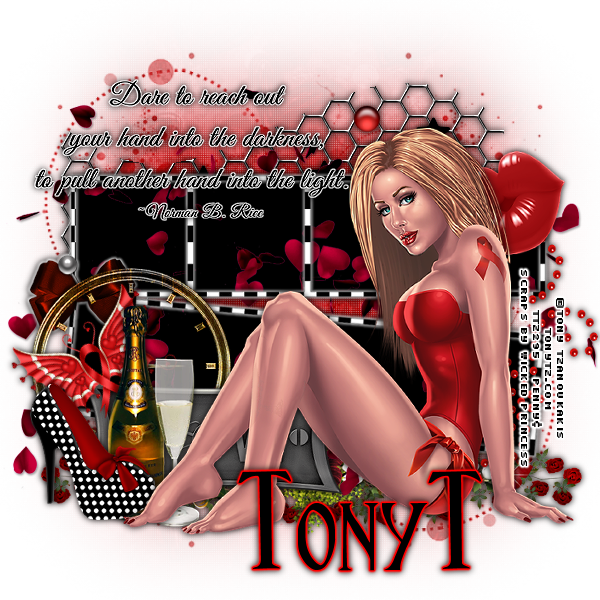
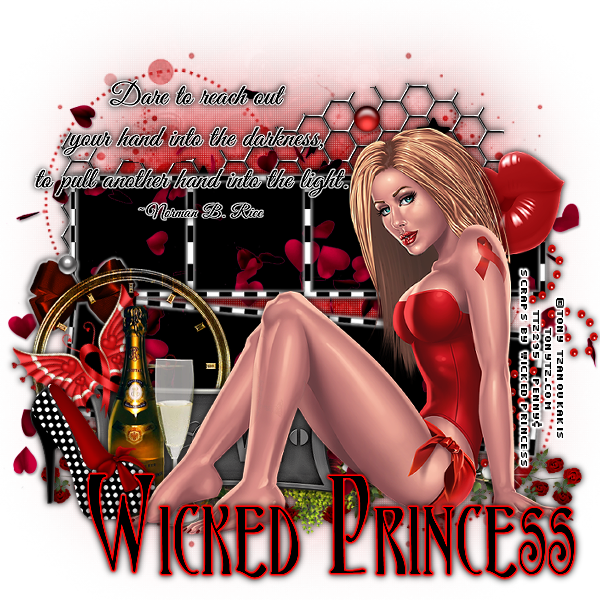
FTU - Tony's Awareness


Tony’s Awareness


This tutorial was written by me on August 07, 2012, using my own ideas. Any resemblance to others is coincidental and accidental. This tutorial assumes you have a working knowledge of psp and is written in PSPX.
Please leave some love when downloading supplies. The artists/creators work hard to make/share their work with us, so let's be appreciative. Please use all correct copyright information and follow all TOU’s. Let’s give credit where credit is due.
As always, tutorials are only a guideline. If you don't have the exact supplies, use ones you have or ones you choose.


Supplies:

“HIV Awareness” FTU tube by Tony Tzanoukakis
“You Are Beautiful” FTU HIV Awareness scrap kit by Wicked Princess Scraps
Babes Designz Mask16 - Unfortunately Babes Designz has removed her blog. So please choose a mask you like
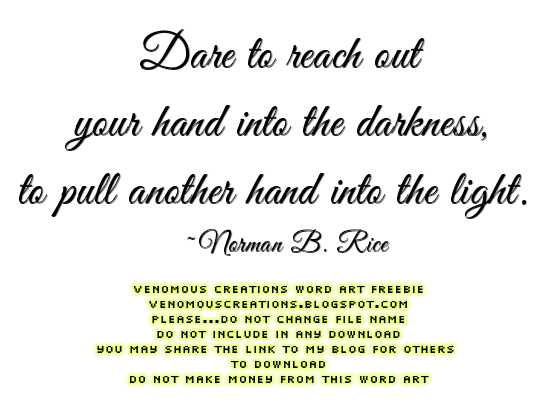
“Dare” word art - click image below, then save the full size png
Eye Candy 4000 – Gradient Glow
Font of choice – this one is Ambrosia


Abbreviations:
EC = Eye Candy
GG = Gradient Glow
DS = Drop Shadow
C/P = Copy and Paste
FF = Flood Fill


Open blank 600x600 canvas
Add new layer – select all
C/P paper 6 into selection
Select none
C/P the following elements, re-sizing, rotating, sharpening, placing as desired:
Butterfly
Champaigne
Clock
Doodle
Flower Swag
Frame – select inside – expand by 4 – add new layer below – FF Black – select none
    Still on Frame_EC 4000_GG_3_25_100_White
Glass
Hearts in the wind – place this layer between frame and black FF layer
Lips
Love Plaque
Polka Dot Shoe
Wire
C/P word art – Repeat GG
C/P tube
Add all correct copyright/license information
Add name_Ambrosia_120_Black
Repeat GG changing color to red
Sharpen more
DS all layers_0_0_100_10_Black
Save and enjoy!


Tuesday, July 31, 2012

No Scraps - Tony's Jeans


Tony’s Jeans


This tutorial was written by me on July 31, 2012, using my own ideas. Any resemblance to others is coincidental and accidental. This tutorial assumes you have a working knowledge of psp and is written in PSPX.
Please leave some love when downloading supplies. The artists/creators work hard to make/share their work with us, so let's be appreciative. Please use all correct copyright information and follow all TOU’s. Let’s give credit where credit is due.
As always, tutorials are only a guideline. If you don't have the exact supplies, use ones you have or ones you choose.


Supplies:

“Dahlia” tube by Tony Tzanoukakis available at The Art of Tony T
Pre-set shape of choice
Grungy brush of choice – Mine is called “09Touchstone005”
Penta.com – Jeans
Xero – Fritillary
Toadies – What Are You?
“Jeans” word art
Eye Candy 4000 – Gradient Glow
Thick blocky font of choice – I chose Janda Curlygirl Chunky


Abbreviations:
EC = Eye Candy
GG = Gradient Glow
DS = Drop Shadow
C/P = Copy and Paste
FF = Flood Fill


Open 600x600 blank canvas
Draw out your shape_stroke 3_Black
Convert to raster
Select the insides of shape
Expand by 2
Add new layer below shape
FF spaces with colors from my color palette below as shown in tag, or use colors to match your tube:


Select none
 Select large blue rectangle_Penta.com_Jeans_Default
C/P tube as new layer, placing so parts show in opening
Promote to layer_Blend mode_ Luminance L_Opacity 30
Select none
Mirror original tube
Select dark purple rectangle_Effects_Blinds_5_27_Black_Horizontal unchecked
Place tube in purple rectangle opening_Promote to layer_Blend mode Multiply_Opacity 100
Select none
Select light blue shapes_Effects_Weave_2_3_10_Both colors White_Fill Gaps
Select none
Select light purple rectangle_Xero_Fritillary_5_30_10_13
Select none
Select dark purple frame_Add noise_50
Select none
Close off background and originale tube
Merge Visible
Copy
Undo
Paste as new layer
Move merged layer to bottom
Toadies_What Are You_Default
Back to original black shape outline_DS_0_0_100_10_Black
Add new layer to bottom
Apply brush of choice_#e8ddf1
Bring original tube to top_resize and place
Repeat DS
C/P word art
Eye Candy 4000_Gradient Glow_3_25_100_#e8ddf1
Duplicate
Repeat DS on original word art layer
Merge word art layers together_resize_place
Add all correct copyright/license information
Add name_Janda Curlygirl Chunky_100_Black
Convert to raster
Select all_float_de-float_Contract by 2_FF#919db2
Apply the jeans effect
Select none
Repeat GG, changing the color to #8a5b8c
DS and save!!


Thursday, July 26, 2012

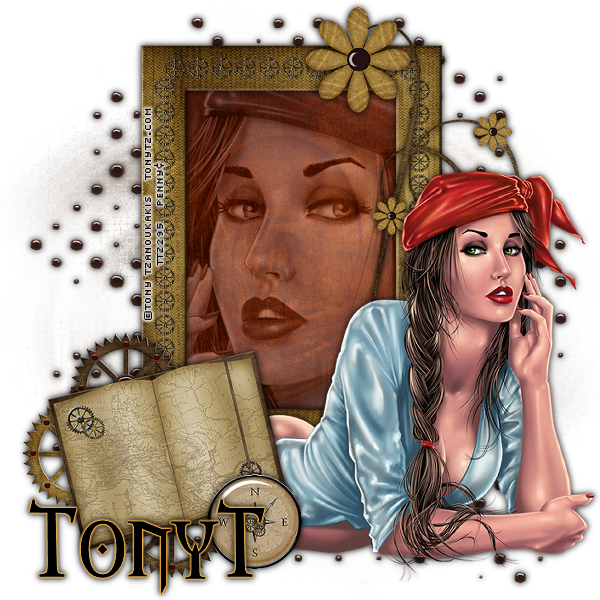
FTU - Steamy TonyT


Steamy TonyT


This tutorial was written by me on July 26, 2012, using my own ideas. Any resemblance to others is coincidental and accidental. This tutorial assumes you have a working knowledge of psp and is written in PSPX.
Please leave some love when downloading supplies. The artists/creators work hard to make/share their work with us, so let's be appreciative. Please use all correct copyright information and follow all TOU’s. Let’s give credit where credit is due.
As always, tutorials are only a guideline. If you don't have the exact supplies, use ones you have or ones you choose.


Supplies:

“Pirate” tube by Tony Tzanoukakis available at tonytz.com
“Steam Adventures” cluster frame
Eye Candy 4000 – Gradient Glow
Font of choice – I chose Morpheus


Abbreviations:
EC = Eye Candy
GG = Gradient Glow
DS = Drop Shadow
C/P = Copy and Paste
FF = Flood Fill


Open Frame in psp
Add new layer below frame
FF with color of choice
Apply mask
Make a selection of the inside of frame
Add new layer below frame
FF with color of choice (I used a paper from the kit)
C/P close up of tube
Promote selection to layer
Select none
Change blend mode to LuminanceL and lower opacity to about 40
C/P tube half as new layer – mirror and place as shown
Erase any parts you don’t want to show
DS all layers_0_0_100_10_Black
Add all correct copyright/license information
Add name_Morpheus_72_Black
EC 4000 – GG_3_25_100_#946d2a
Sharpen more
DS name
Save and enjoy!!